Fan2Play Customer Care: Verified Channels & Escalation Evidence
Verified Fan2Play customer care channels, what evidence to keep, and the escalation path for account, payment, contest and withdrawal issues.
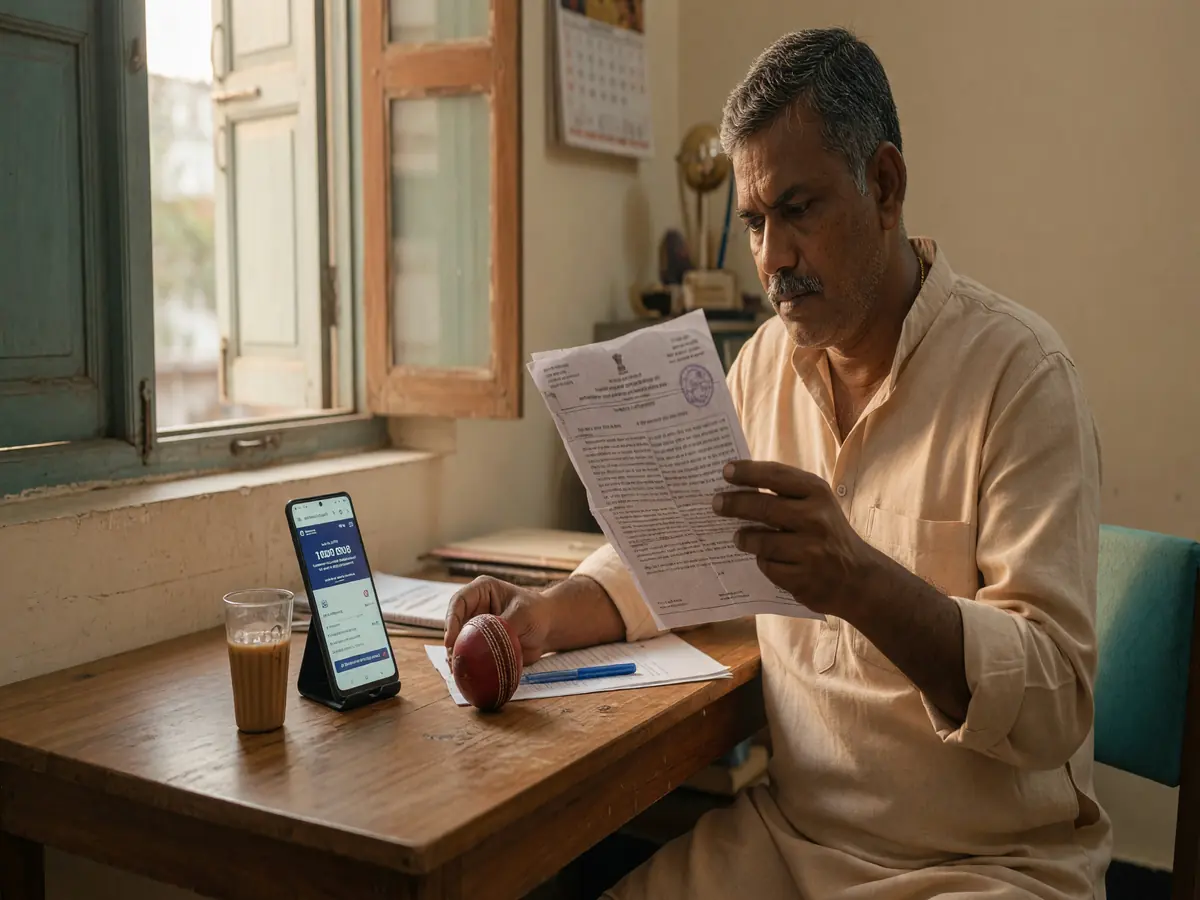
How to find the verified customer care channel
Customer care is reached through the operator's verified channels. The verified channels are listed on the operator's official site, on the official app's help section, and on the operator's verified social profiles. The most reliable channel is the in-app chat; the second is email; the third is phone support. Avoid support channels that are not on the operator's official site — they are usually scams.
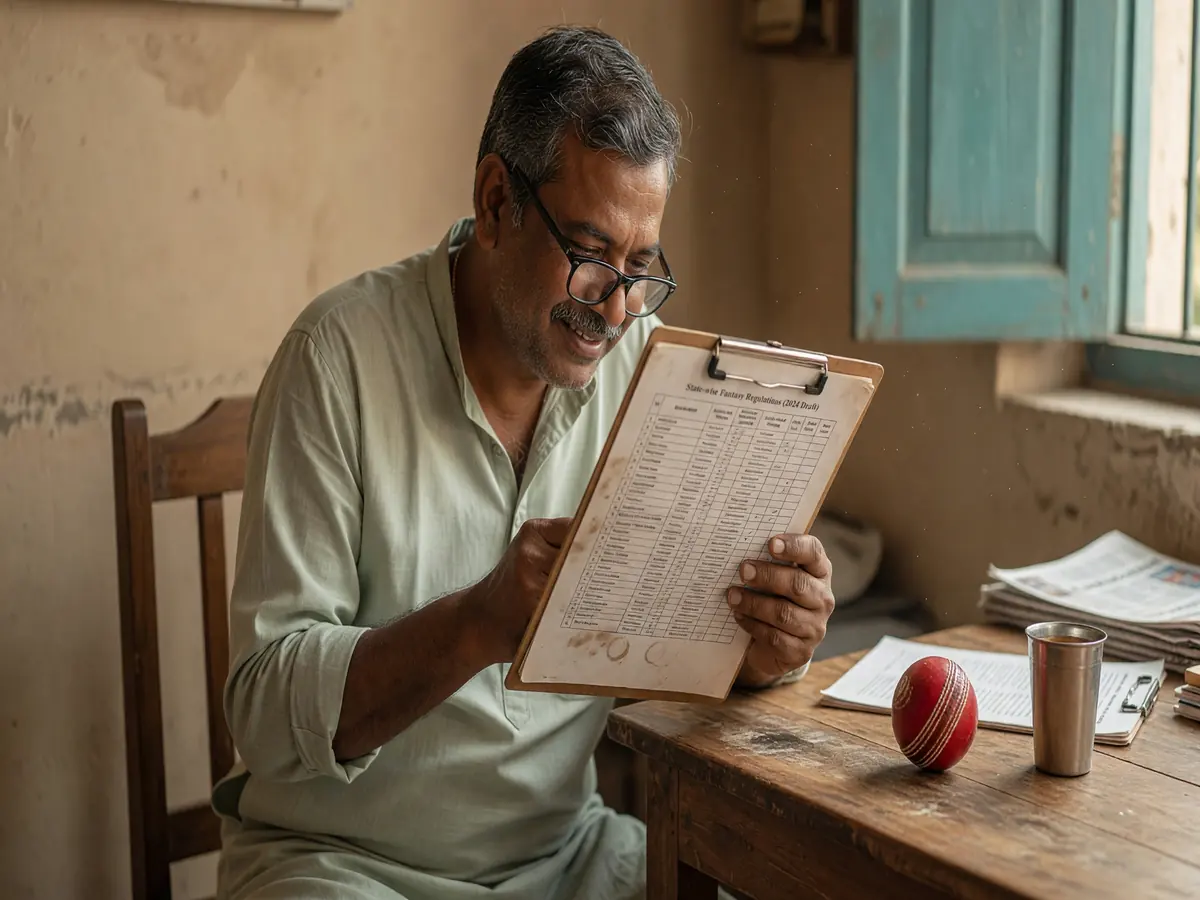
What to have ready before you contact support
Before you open a support ticket, gather the following. The more you have, the faster the resolution.
- Your user ID or registered phone number. The operator's support team needs an identifier to pull up your account.
- The transaction ID, contest ID, or withdrawal reference. If your question is about a specific transaction, contest, or withdrawal, the ID is the fastest way for the team to find the record.
- The date and time of the issue. Include the timezone (IST is the default in India). The more precise, the faster the team can find the relevant log.
- A screenshot of the issue. A screenshot is more useful than a description. Make sure the screenshot shows the wallet section, the contest, the transaction, or the error message.
- The expected outcome. Be specific: "I expected a withdrawal of ₹1,000 to my UPI within 4 hours, and it has been 24 hours." A clear expected outcome is faster to action than a vague "I have a problem."
Common issues and the evidence to keep
Withdrawal delays
A withdrawal that has not arrived within the operator's published window. The evidence to keep: the withdrawal reference number, the bank statement showing no credit, the date and time of the request. The escalation path: in-app chat → email with the bank statement attached → operator's grievance officer (the email is on the operator's site, in the "Contact" or "Grievance" section).
Contest settlement disputes
A contest that was settled with a different score than the live scoreboard showed. The evidence to keep: the contest ID, the final scoreboard screenshot, the operator's settlement message. The escalation path: in-app chat with the contest ID → email with the screenshots → grievance officer.

KYC rejections
A KYC submission that was rejected without a clear reason. The evidence to keep: the KYC submission screenshot, the rejection email, the photo of the ID used. The most common cause is a mismatch between the name on the PAN and the name on the bank account. The fix: update the bank account name to match the PAN, or update the PAN to match the bank account, then resubmit KYC.
Account access
An account that you cannot log in to because the registered phone number is no longer in your possession. The evidence to keep: a government-issued ID matching the account name, a recent deposit receipt matching the account, a written statement of the issue. The recovery process can take a few business days. The escalation path: in-app chat with the issue described → email with the documents attached → grievance officer.
Bonus or referral disputes
A bonus or referral reward that was not credited. The evidence to keep: the code used, the date of entry, the invitee's user ID, a screenshot of the wallet section. The escalation path: in-app chat with the code and the date → email with the screenshot → grievance officer.
The escalation path
Most support issues are resolved at the in-app chat or email level. If the issue is not resolved within 7 days, escalate to the operator's grievance officer. The grievance officer's email is on the operator's site, in the "Contact" or "Grievance" section. The grievance officer is required to respond within 30 days under Indian regulation.
If the issue is still not resolved, escalate to the appropriate regulator: the State Gaming Authority for fantasy-related disputes, the Banking Ombudsman for payment-related disputes, or the Cyber Crime Cell for fraud-related disputes. The contact details are on the regulator's official site; do not trust third-party "regulator" pages.
What the operator will never ask for
Three things the operator's support team will never ask for, no matter the situation:
- Your OTP. The operator's team will never ask for the one-time password sent to your phone.
- Your full card number, CVV, or PIN. The operator's payment partner handles payment data; the operator's team does not see full card details.
- Your password. The operator's team has internal tools to verify your identity; they do not need your password.
If anyone claiming to be from the operator's support team asks for any of the three, hang up or close the chat. The call is not from the operator. Report the incident through the verified channel.
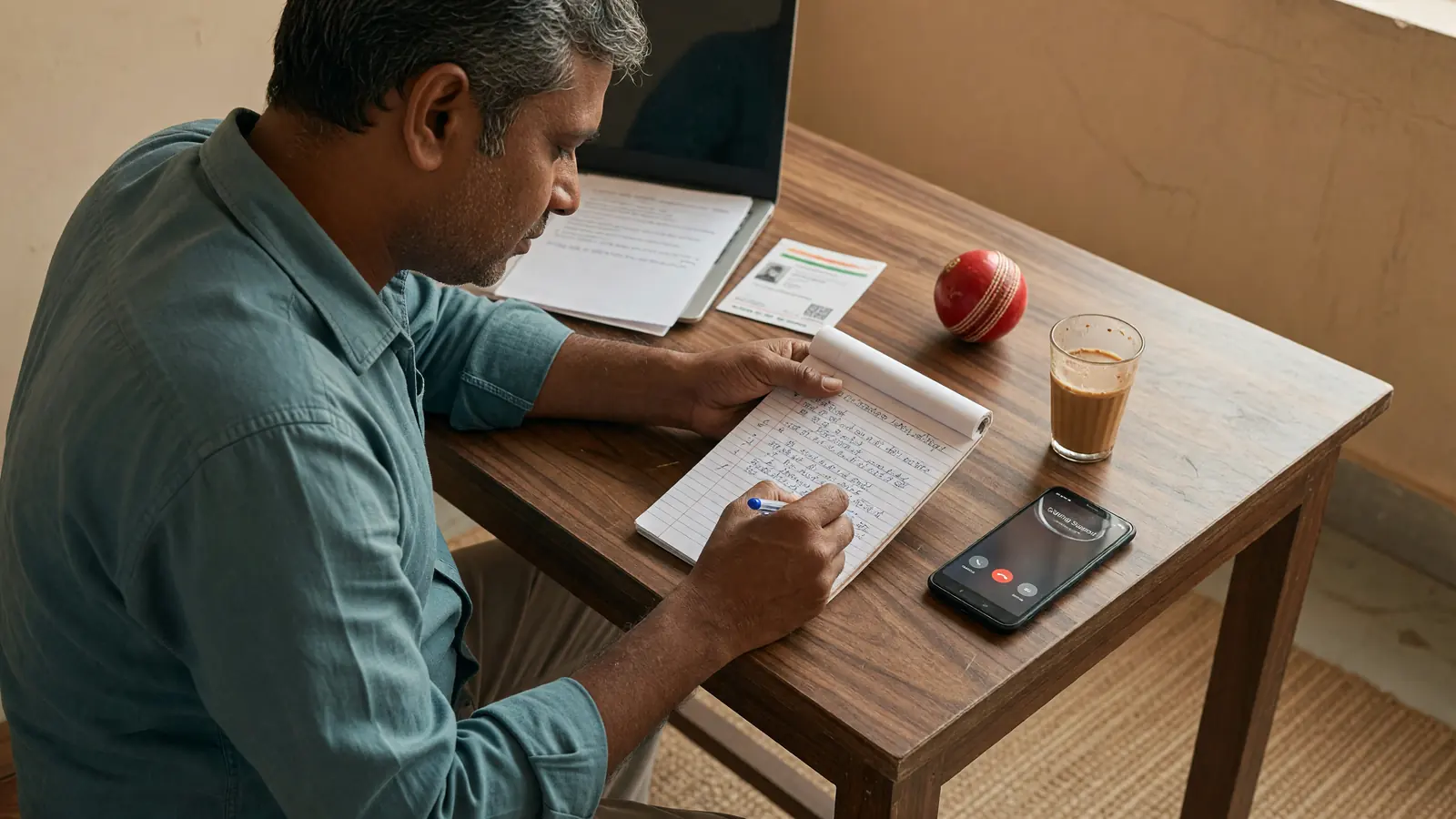
How long does a support ticket take?
The operator's published response time is 24 hours for email and a few minutes for in-app chat during business hours. The actual response time depends on the channel, the volume, and the issue. Withdrawal and contest settlement issues are usually resolved within 48 hours. KYC and account access issues can take up to 7 days. The grievance officer is required to respond within 30 days.
Where to read next
The login help covers the access flow. The KYC guide covers the verification flow. The responsible play page covers the cooling-off and self-exclusion tools.
Warning
The operator's support team will never ask for your OTP, your full card number, or your password. If anyone claiming to be from the operator asks for any of the three, hang up or close the chat. The call is not from the operator. Report the incident through the verified channel.
How do I find the verified support channel?
On the operator's official site, in the "Contact" or "Help" section. The in-app help section is also a verified channel.
What if my issue is not resolved after 7 days?
Escalate to the operator's grievance officer. The email is on the operator's site. The grievance officer is required to respond within 30 days under Indian regulation.
Can I contact support through social media?
You can, but the verified channel is in-app chat or email. Social media DMs are useful for general questions, not for account-specific issues that require proof of identity.