Fan2Play App: Verify, Install & Set Up the Official Application
A field guide to the Fan2Play app: source checks, package name signals, permission requests and the safer install path on Android and iOS.
What the Fan2Play app is, and what it is not
The Fan2Play app is the official mobile application for the Fan2Play fantasy cricket platform. It is the only legitimate channel to deposit funds, enter contests and withdraw winnings. It is not a third-party tracker, not an APK mirror, and not a "fan" community app. If a link is not the operator's official one, do not install from it.

How to verify the official app
Verification is a four-step check that takes about two minutes.
Step 1: source
Open the operator's verified link on the Google Play Store (for Android) or the Apple App Store (for iOS). The link is in the operator's official site, the official email, or the official social profile. Avoid APK mirrors, third-party app stores, and links from comments on social media — these are the most common sources of fake apps.
Step 2: package name
On Android, the package name is visible in the Play Store URL and in the app's settings. The official package name is the one published by the operator; compare it against the operator's verified link. A package name that ends in ".mod", ".free", ".pro" or any other suffix is not the official app.
Step 3: publisher
The publisher name on the Play Store or the App Store is the operator's legal entity. Compare it against the entity listed in the operator's terms of service. A publisher name that does not match is a signal to walk away.
Step 4: download count and reviews
The download count and the recent reviews are useful sanity checks, but they are not proof on their own — fake reviews are common. Look for a long history of reviews that mention specific features (contest entry, withdrawal, KYC) rather than generic praise.
Permissions to expect
The official app requests a small set of permissions. The most common are:
- Storage: to save the app data, including the contest history. The app does not need access to your photos.
- Network: to fetch contest data and submit your team. Always required.
- SMS (Android only): to autofill OTP codes during login. You can decline this; the OTP can be entered manually.
- Camera: for KYC document upload. Only used during the KYC flow.
Any permission not in this list — contacts, microphone, location, call logs — is a signal that the app is not the official one. A real operator does not need these.
First-launch setup
When you open the app for the first time, you will be asked to: verify your phone number, set a password or PIN, and complete your profile. The phone-number verification is mandatory under Indian regulation. The PIN or password is your login credential — use a unique one and store it in a password manager.
Do not skip the KYC step. The app will let you browse contests without KYC, but the first deposit will require it. Complete KYC before your first deposit so you can withdraw winnings without delay.
Notifications, alerts and the do-not-disturb window
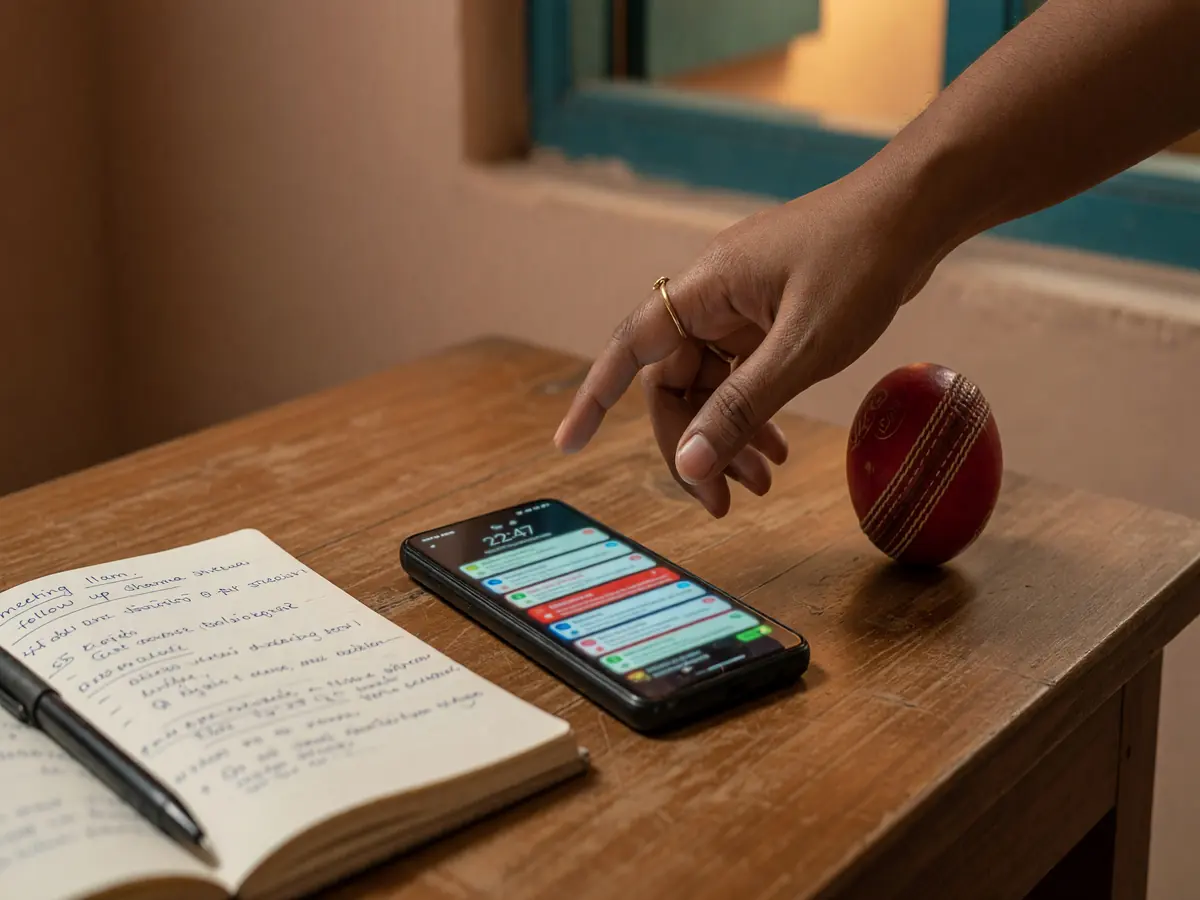
The app sends notifications for: contest deadline reminders, toss updates, score updates, withdrawal confirmations, and promotional offers. The first three are useful; the last two are not. Turn off promotional notifications in the app's settings, and keep the contest and score notifications on. Set a do-not-disturb window for the hours around your normal sleep, so the toss update does not wake you up.
App updates and the version check
The operator updates the app regularly — for new contests, new features, and security fixes. The update is delivered through the Play Store or the App Store; the app will prompt you. We recommend enabling auto-updates for the app, so security fixes land without delay. The current version is visible in the app's settings; the operator's official site usually lists the latest version number so you can verify the app on your phone matches.

What to do if the app is unavailable
If the official app is not available in your region or has been removed from the store, do not download an APK from a third-party source. Instead, check the operator's official site for a web-based access path, or contact customer care through the verified channel. The web path may not be a full replacement for the app, but it is the safe path until the operator restores app access.
Where to read next
The download guide is the install walk-through. The APK guide is the Android-specific safety read. The login help covers the account-access flow. The responsible play page covers the safety guardrails.
Warning
Third-party APK mirrors are the most common source of fake apps. If the operator's app is not on the Play Store, the operator's official site is the only legitimate source. Do not install from a Telegram link, a YouTube comment, or an APK downloader site.
What if the Play Store shows a different publisher than the operator's terms?
Walk away. A mismatch between the store publisher and the operator's legal entity is the strongest signal that the app is not legitimate.
Can I install the app on multiple devices?
Yes, most operators allow the same account to be logged in on more than one device. Avoid public or shared devices.
What if I already installed a third-party app?
Uninstall it. Change the password on your operator account and on any account that uses the same password. Check your bank and UPI statements for any unexpected transactions. If you see any, contact your bank and the operator's customer care.